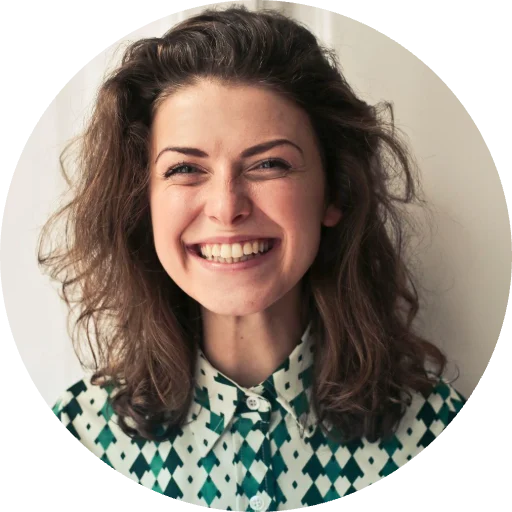
Fit your whole photo without cropping
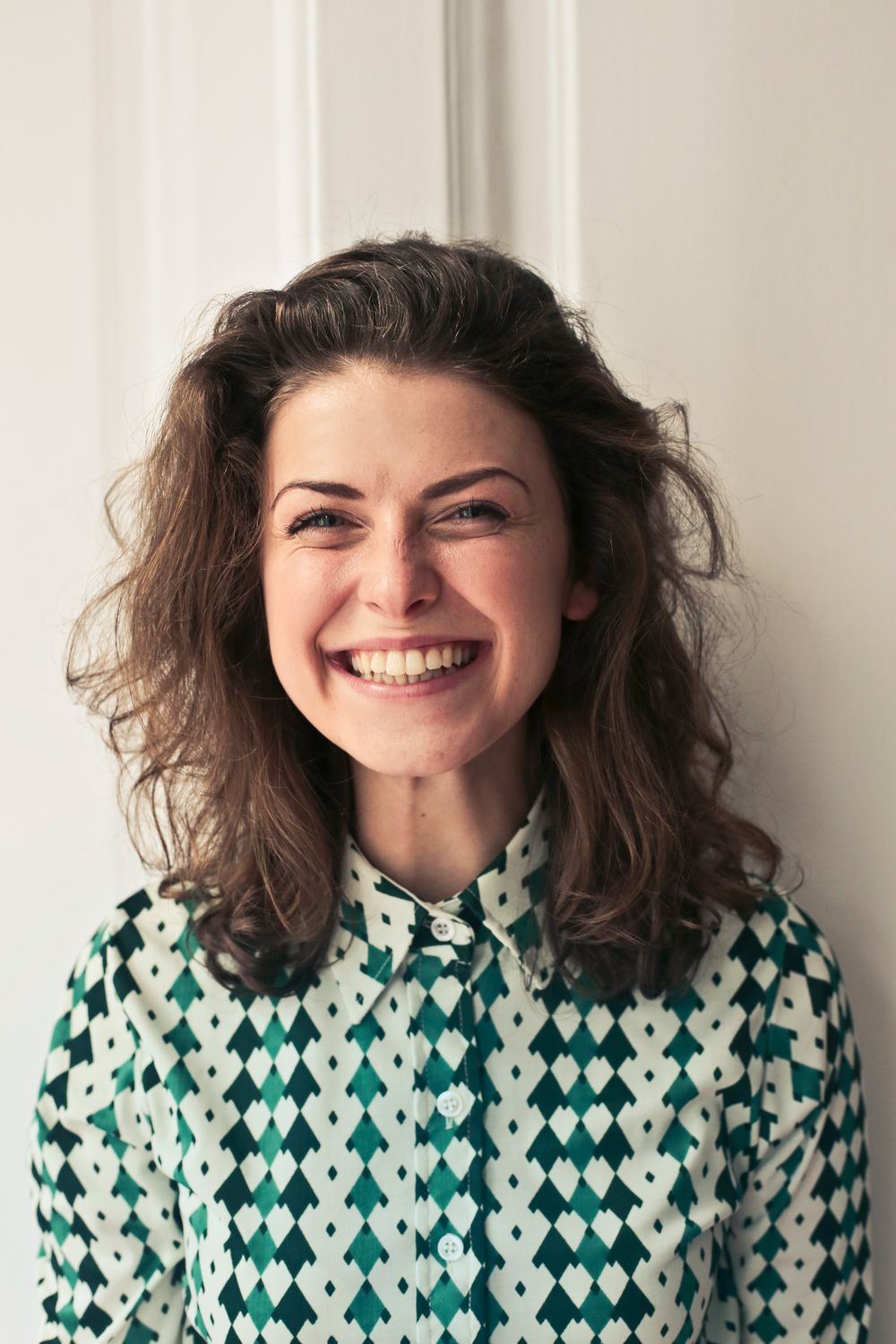
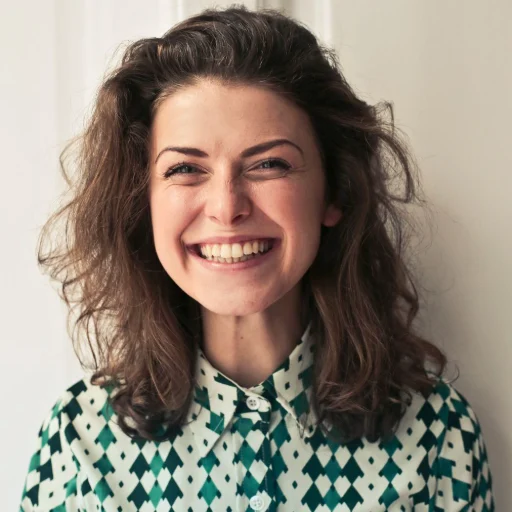
A tight crop can leave out the best part of a photo: the top of your hair, a friend's face, or the lettering in a logo. Choose Fit whole photo to keep every corner of the original image inside the circular guide.
Use Margin to make the photo smaller within the frame. Fill the space around it with a blurred version of the photo or a solid color. For a closer headshot, switch to Crop to fill, drag the photo into position, and adjust Zoom.
How to crop your profile picture
Choose your image
Open a JPG, PNG, WebP, HEIC/HEIF, AVIF, or BMP file, paste an image, or try the sample photo. Images must be 10 MB or smaller and no larger than 40 megapixels. Your photo is processed on your device.
Set the framing
Choose Crop to fill for a close-up or Fit whole photo to preserve the entire image. Check the circular guide for clipped hair, faces, and text before you save.
Choose a shape and download
Select Square or Circle, then choose 256, 512, or 1024 px, or enter a custom size from 16 to 4096 px. Click Download PNG to save your avatar. Circle exports have transparent corners outside the circle.
Frame an individual face, a PFP or a compact logo
Give your Discord PFP some breathing room
If your character or portrait fills too much of the frame, use Fit whole photo and increase Margin. Changing the composition makes the subject look smaller; choosing a smaller export size only changes the file's pixel dimensions.
Keep a professional headshot comfortably framed
For a headshot or author photo, use Crop to fill and adjust the face position before increasing Zoom. Keep a little room above the hair and below the chin, then compare the small circular view. For a series of team portraits, aim for similar eye positions and face sizes before choosing a shared export size.
Keep the whole logo in view
A wide business name needs more room than a compact icon. Choose Fit whole photo and a solid background, then check that the lettering is readable in the preview. If the words become too small, a simpler logo version may work better as an avatar.
For a wide group photo intended for WhatsApp, the WhatsApp DP maker adds a chat-list preview and JPG or WebP export options.
Avatar cropper FAQs
How do I zoom out my profile picture?
In Crop to fill, lower Zoom to show more of the photo. If the edges still get cut off, switch to Fit whole photo. This fits the full image inside the circle; increase Margin to add more room around it.
Should I download a square or round profile picture?
If the destination applies its own circular crop, start with Square and check its upload preview. Choose Circle when you need transparent corners for a slide or website. Both options export a square PNG canvas; Circle makes the area outside the circle transparent.
How do I crop a profile picture into a circle with a transparent background?
Set Export shape to Circle, adjust your framing, and click Download PNG. The area outside the circle is transparent. In Fit whole photo mode, the space around your photo inside the circle keeps your selected blur or solid color. This tool does not remove the background from the original photo.
Why does my avatar look blurry after cropping?
A close crop uses a smaller part of the original photo. Enlarging that area can make it look soft. Try a sharper source image or a wider crop; a larger export size cannot restore missing detail. Compare the downloaded PNG with the uploaded result to see whether the destination changes its appearance.
Is this profile picture cropper free?
Yes. You can crop and download your avatar for free, without an account or watermark. Your photo is processed in your browser without being uploaded to a server.
Can I crop a GIF avatar?
This PFP cropper accepts JPG, PNG, WebP, HEIC/HEIF, AVIF, and BMP images and exports a still PNG. It does not support GIF files or animated avatar exports.